I considered asking this on Super User, and I also thought that TeX users on the Mac would be better able to help and be helped. I'll let the mods decide.
I opened texdoc color and came to grfguide.pdf. I am greeted with this:
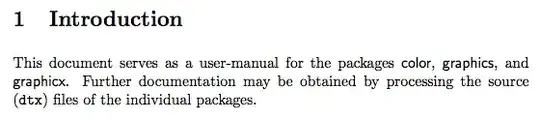
I understand that all default TeX Live packages are installed in a "protected" folder. Using another app (called Afloat), I found out that grfguide.pdf can be found in /usr/local/texlive...
I will want to "process the dtx files" to see further documentation. Now, Spotlight doesn't search the protected folders. I won't be able to just type in sty or dtx or ins. How do I search the TeX Live folders on a Mac?


.sty,.dtxand.insfiles not live inside the texmf tree? – Sharpie Oct 28 '10 at 03:26