I am trying to use a PNG image as repeating texture with TikZ, using the solution posted here.
By using a smaller texture than what the examples there seem to use, I noticed that this method produces lines at the edges of the texture (zoomed in):
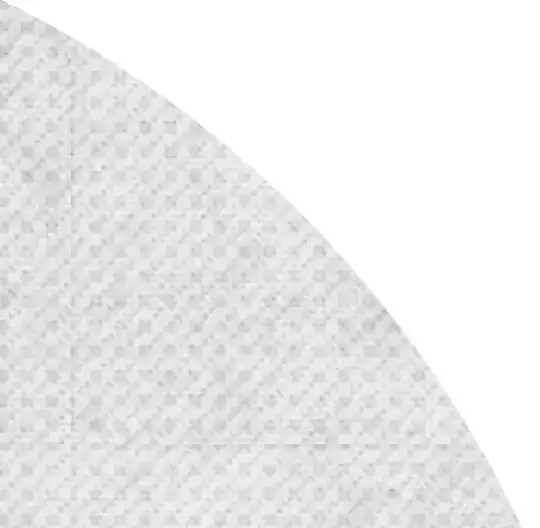
This seems to be a result of interpolation and I want to get rid of it. I tried to explicitly disable it with
\pgfSetupImageAsPattern[width=3cm,interpolate=false]{wall}{smooth-wall-dark.png}
However, that did change nothing (not surprisingly, since interpolate is documented to be false by default). How do I disable interpolation here so that the texture does not have these lines? I am aware that this will make the texture more pixel-y.
