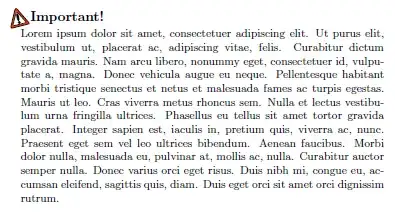
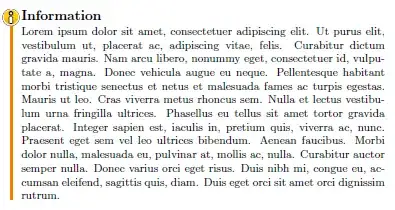
I'm looking for pretty formatting for warnings, and others for some info or tips.
For the moment, I use the following formatting but maybe someone has one better idea.

To obtain this, I use the following code.
\documentclass[10pt,a4paper]{article}
\usepackage[utf8]{inputenc}
\usepackage[x11names,svgnames]{xcolor}
\usepackage{graphicx}
\usepackage{fourier-orns}
\usepackage[framemethod=tikz]{mdframed}
\usetikzlibrary{calc}

\makeatletter
% Default settings for warnings
    \newcommand{\warningSymbol}{\raisebox{0.8\depth}{\danger}}

    \definecolor{warningColorText}{named}{Red3}
    \definecolor{warningColorLine}{named}{Red3}
    \definecolor{warningColorBack}{named}{LemonChiffon1}
    \definecolor{warningColorBackSymbol}{named}{white}

% Inline mode
    \newcommand{\warning}[1]{%
        \textcolor{warningColorText}{\warningSymbol{}\,#1}%
    }

% Block mode
    \tikzset{
        warningsymbol/.style={
            rectangle,
            draw  = warningColorText,
            fill  = warningColorBackSymbol,
            scale = 1,
            overlay
        }
    }

    \mdfdefinestyle{warning}{%
        hidealllines      = true,
        leftline          = true,
        skipabove         = 12,
        skipbelow         = 12pt,
        innertopmargin    = 0.4em,%
        innerbottommargin = 0.4em,%
        innerrightmargin  = 0.7em,%
        rightmargin       = 0.85em,%
        innerleftmargin   = 1.1em,%
        leftmargin        = 0.85em,%
        middlelinewidth   = .2em,%
        linecolor         = warningColorLine,%
        backgroundcolor   = warningColorBack,%
        fontcolor         = warningColorText,%
        firstextra        = {
            \path let \p1=(P), \p2=(O) in ($(\x2,\y1-4)$)
            node[warningsymbol] {\warningSymbol};
        },%
        secondextra       = {
            \path let \p1=(P), \p2=(O) in ($(\x2,\y1-4)$)
            node[warningsymbol] {\warningSymbol};
        },%
        middleextra       = {
            \path let \p1=(P), \p2=(O) in ($(\x2,\y1-4)$)
            node[warningsymbol] {\warningSymbol};
        },%
        singleextra       = {
            \path let \p1=(P), \p2=(O) in ($(\x2,\y1-4)$)
            node[warningsymbol] {\warningSymbol};
        },%
    }

    \newmdenv[style=warning]{@Warning}
    \newenvironment{Warning}{\let\warning\relax\begin{@Warning}}{\end{@Warning}}
\makeatother

\usepackage{lipsum}

\begin{document}

\warning{IMPORTANT !} \lipsum[1]

\begin{Warning}
     \lipsum[1]
\end{Warning}

\end{document}