I have a large (1 page high, 5 pages wide, in landscape) excel sheet and I want to add it to the appendices of my thesis. Is there a way to convert this to a latex tabular or can I export the excel to pdf and add the pdf content to my appendices? I have tried using the pdfpages but then the page numbering and page header are missing (and there was no margin between the left side of the page and the table).
What's the best best way to do this?
Also, if somebody knows a way to make a landscape longtable across multiple pages together with resizebox, so that the table height is scaled to page height and table width is spanning across multiple pages, then let me know. It seems like this is impossible for LaTeX and the only way to create this effect is with \tiny to scale the content.


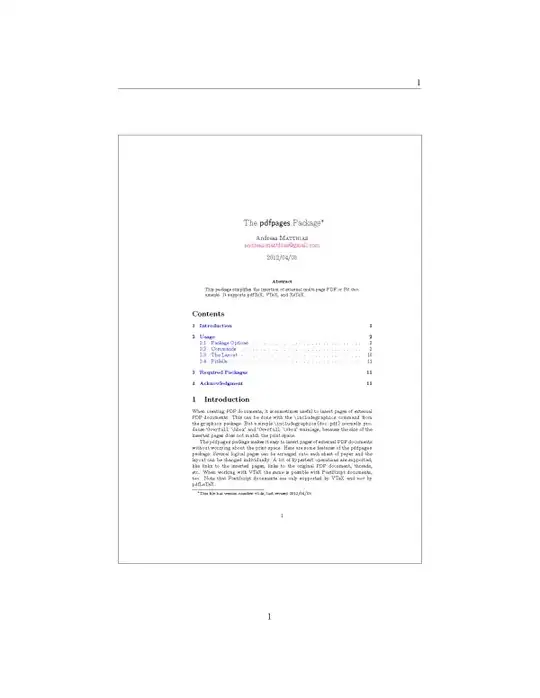


pdfpagesanswer; typesetting as a LaTeX table however would likely give more pleasant results. A similar question has recently been brought up, but not yet been answered. – dgs Jun 08 '12 at 16:24