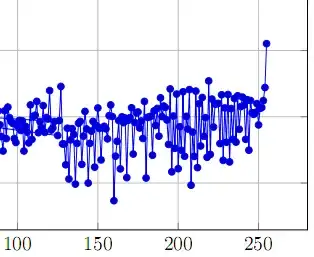
With pgfplots you can use:
mark=none to disable the marksmark=* to specify the marker to useonly marks to show only the points

Code:
\documentclass{article}
\usepackage{pgfplots}
\begin{document}
\begin{tikzpicture}
\begin{axis}
    \addplot [mark=none,  red,   ultra thick] coordinates { (1,6) (2,8) (3,10)}
    node [midway, sloped, above] {mark=none};
\addplot [mark=*,     brown, ultra thick] coordinates { (1,4) (2,6) (3,8)}
node [midway, sloped, above] {mark=*};

\addplot [only marks, blue,  ultra thick] coordinates { (1,2) (2,4) (3,6)}
node [midway, sloped, below] {only marks};

\end{axis}
\end{tikzpicture}
\end{document}