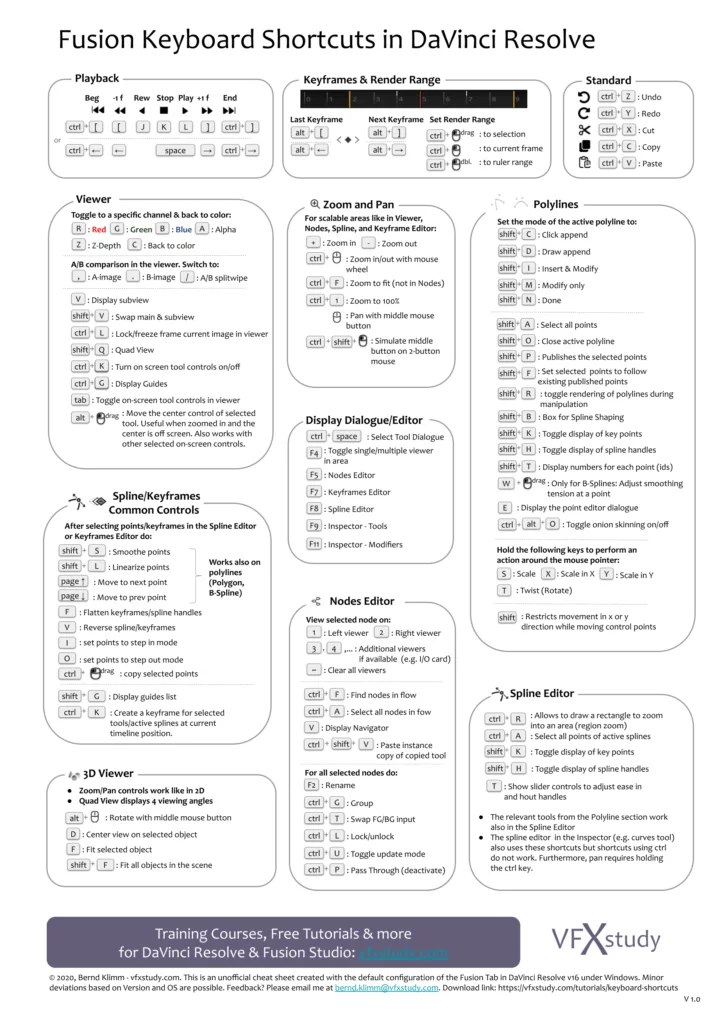
Would it be possible to visually have the key in a "box". Similar to https://www.etsy.com/uk/listing/1480108495/macos-keyboard-shortcuts-cheat-sheet or https://vfxstudy.com/wp-content/uploads/2020/02/Fusion-Keyboard-Shortcuts-in-Resolve-v1-724x1024.png ?? Just a simple rounded box black and white would do. I saw some topics related to cheatsheet multi-colored cheat sheet for keyboard shortcuts , but to me having the keys visually highlighted in a "box" is key ...
Asked
Active
Viewed 58 times

1 Answers
3
One possible approach using the menukeys package:
\documentclass{article}
\usepackage{menukeys}
\begin{document}
\keys{\ctrl+C}
\end{document}

Or with the keystroke package:
\documentclass{article}
\usepackage{keystroke}
\begin{document}
\Ctrl +\keystroke{C}
\end{document}


samcarter_is_at_topanswers.xyz
- 158,329
keystrokeexample is off (due to the space before the+being ignored, but not after it). – Skillmon Jan 01 '24 at 14:03\raiseboxto move them up and down as you like – samcarter_is_at_topanswers.xyz Jan 01 '24 at 14:42