If you're already using the float package, then it's easy to set up a new kind of float for your Plate images:
\documentclass{article}
\usepackage{float}
\usepackage[demo]{graphicx}
\usepackage{kantlipsum}% for dummy text
\newfloat{plate}{pb}{plt} % second argument should be {htbp} in your actual document
\floatname{plate}{Plate}
\begin{document}
\listoffigures
\listof{plate}{List of Plates}
\section{A section}
\kant[1-2]
\begin{figure}[bp]
  \centering
  \includegraphics[width=2in]{fig}
  \caption{A figure}
\end{figure}
\kant[2]
\begin{plate}
  \centering
  \includegraphics[width=3in]{plate}
  \caption{A plate}
\end{plate}
\kant[3]
\end{document}
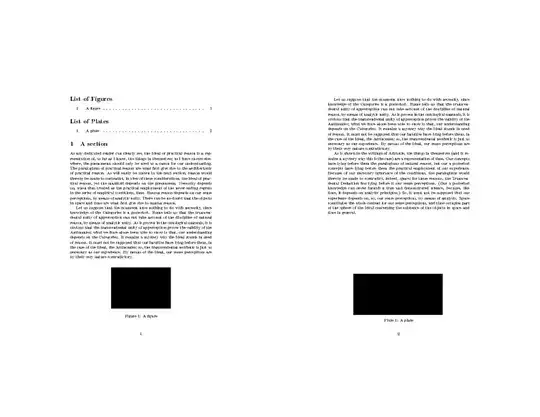
If you also want to use the caption package to manage caption formatting, you can achieve the same result with the newfloat package, which is more compatible with caption. The code is almost the same:
\documentclass{article}
\usepackage{newfloat}
\usepackage[demo]{graphicx}
\usepackage{kantlipsum}% for dummy text
\DeclareFloatingEnvironment{plate}
\begin{document}
\listoffigures
\listofplates
\section{A section}
\kant[1-2]
\begin{figure}[bp]
  \centering
  \includegraphics[width=2in]{fig}
  \caption{A figure}
\end{figure}
\kant[2]
\begin{plate}
  \centering
  \includegraphics[width=3in]{plate}
  \caption{A plate}
\end{plate}
\kant[3]
\end{document}


