The standard zoom in, is the single finger double tap or pinch. However, sometimes it would be really handy to be able to zoom out using a single finger action.
What could such an interaction be?
The standard zoom in, is the single finger double tap or pinch. However, sometimes it would be really handy to be able to zoom out using a single finger action.
What could such an interaction be?

There's such a gesture, I don't find it intuitive, but works quite well. Maybe someday it'll become a standard or something like this.
The gesture is "double tap and drag". You double tap the screen and with the second tap you swipe up or down to zoom in or out. You can find it's usage in Google Maps on Android and iOS. Here's simple demo: http://www.youtube.com/watch?v=tSQdR7EHSpc.
As you can see in this video, it is not a gesture that normal user is used to. And sometimes users fail to make that gesture and need to repeat it.

These two options are probably the most standard for single finger zoom:
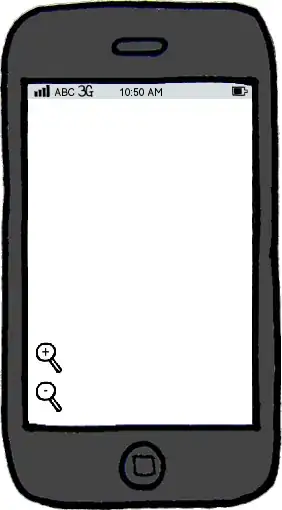
download bmml source – Wireframes created with Balsamiq Mockups


If the scale range of the system is not huge, it is better to use the same gesture (double tap) to zoom out back to initial scale view when the most zoomed view is reached. It helps the user to see that there are no more zoom in possibilities, and that there is only one simple gesture to quickly cycle with different scales.
Other gestures are more specific and for standard approach you describe — single finger double tap — work worse. Naturally, as I mentioned above, the whole amount of scales shouldn't be large (usually three levels are quite enough — common view, middle view and detailed view), and if you use larger amount, it is better to use additional interface elements — zoom in/out buttons and scale ruler — to avoid problems with findability of such zoom out gestures, especially in single-touch interfaces. Of course, you can also use another standard gestures — two fingers to pinch in and out in, if multitouch is possible.


