How do I make a hole in an object?

How do I make a hole in an object?


You could use a couple different methods:
Add a boolean modifier on the object you want to cut a hole in,
Create an object to "subtract" from the main object
Set that object in the boolean modifier. You can press E while hovering over the object selection field to set the field by clicking on an object in the 3D view.

Add a circle or some other object to define the outline of the hole
With the circle selected, ⇧ Shift select the object you want to cut a hole in and enter edit mode (↹ Tab)
Select the faces you want to cut, then click knife project in the tool shelf. If you want to cut all the way through the mesh, enable Cut through in the redo panel (F6)
Then select the newly cut edges with ⎇ Alt⇧ Shift RMB and press W> Bridge edge loops to connect the ends of the hole.
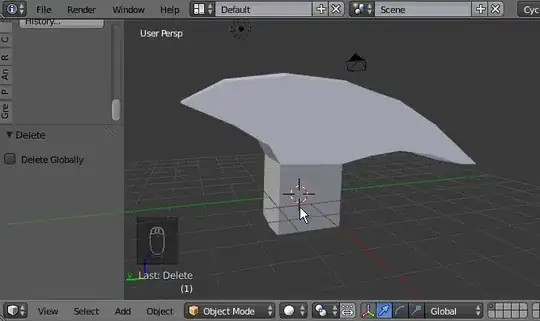
This feature will be added in 2.72, but until then you can use it in the latest development builds.
This is essentially like the boolean modifier, except it works in edit mode.
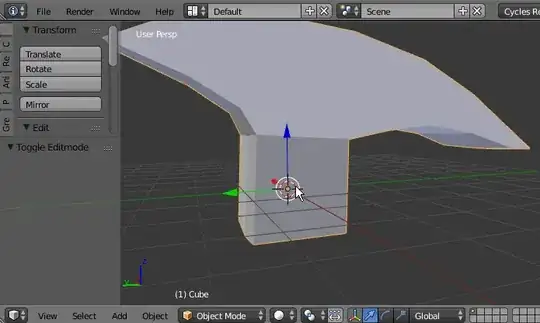
Here is a nice video made by the author of this feature, explaining how it works.
For 2.8 join the two object together then in Edit Mode select the object you want to make the cut (hover object and press L ) Face Menu > Intersect, should be half way down the menu
As of Blender 3.5.1:
Punching holes in Objects:
In Object mode, Select hole shape object and move into place on main object.

 Select Main object.
Add Modifier (wrench icon) - Hit Down arrow/Generate/Boolean/Difference.
Select Main object.
Add Modifier (wrench icon) - Hit Down arrow/Generate/Boolean/Difference.
 Select little square next to where it says Object.
 Choose mesh for cutting hole.
Click Down arrow on Boolean line.
Apply.
Choose mesh for cutting hole.
Click Down arrow on Boolean line.
Apply.
 Select punched object (G) and move out of hole.


You can also use curves for modelling the base mesh.then use the curve with edit mode then add a bezier circle to make a hole.


