I have a picture,and I want to get a special curve in this picture ,than draw the line in a new picture.inbut I can't do this .
Like this:

The picture is this
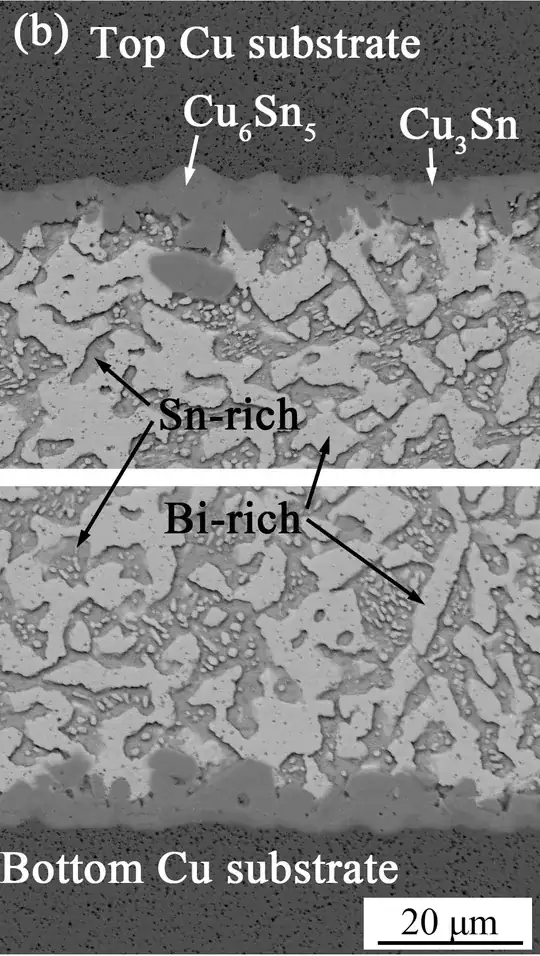
Anybody have an idea?
I have a picture,and I want to get a special curve in this picture ,than draw the line in a new picture.inbut I can't do this .
Like this:
The picture is this
Anybody have an idea?
A complete solution that gives essentially the result you want is the following:
image = Import["https://i.stack.imgur.com/coBQa.jpg"];

img = ImageResize[image, 300];(*scale down to speed up calculation*)
ImageAdjust[img, {4, 0.2}](*increase contrast*)
ColorReplace[%, White -> Black, 0.05](*"remove" the black text*)
MedianFilter[%, 5](*remove small speckles*)
EdgeDetect[%](*find edges*)
SetAlphaChannel[#, Binarize[#]] &[Colorize[MorphologicalComponents[%],
ColorRules -> {2 -> Red, _ -> Black}]](*Make the right edge red and the rest transparent*)
ImageCompose[img, %](*compose the original image and the red line*)
To get it to work with the full size image you might need to play with the parameters.
Result:

This method is mainly based on the CurvatureFlowFilter function, which can preserve the shape of the area according to the gradient of the graylevel.
img = Import["https://i.stack.imgur.com/coBQa.jpg"] // ColorConvert[#, "Grayscale"] &;
The threshold of the first Binarize can be determined by checking the graylevel of some sample points of the interested area:
imgBi = Binarize[img, {0.38, 0.48}]

CurvatureFlowFilter is used here to smooth imgBi while keeping the edges relatively unchanged (Note: this function is very time-consuming):
imgSeg = CurvatureFlowFilter[imgBi, 10, 5]

MorphologicalBinarize is useful for excluding small irrelevant areas:
imgMorphBi = MorphologicalBinarize[imgSeg, {.4, .99}]
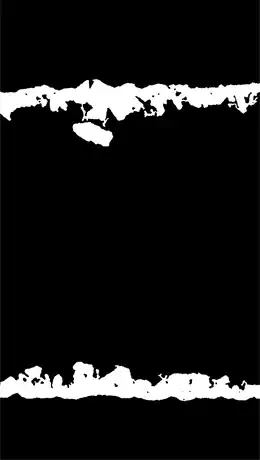
Use any edge extraction method to extract the edges:
imgEdges = GradientFilter[imgMorphBi, 1] // ImageAdjust // Binarize

HighlightImage[img, imgEdges]


