Question
How come
MaxCellMeasureworks in 2D but fails in 3D?
Indeed if I try
Table[DiscretizeRegion[ImplicitRegion[x^2 + y^2 <= 1, {x, y}],
   MaxCellMeasure -> res] // {#, ByteCount[#]} &, {res, {1, 0.1,
   0.01}}]// Transpose

It works as expected (i.e. the quality of the mesh, and its size increases). Whereas this does not
Table[DiscretizeRegion[
    ImplicitRegion[x^2 + y^2 + z^2 == 1, {x, y, z}],
    MaxCellMeasure -> res] // {#, ByteCount[#]} &, {res, {1, 0.1,
    0.01}}] // Transpose
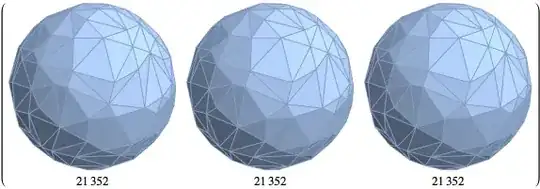
Let me apologize in advance if this is a RTFM question. The documentation is such a maze on these new (cool) Mesh features.
Comment
Note that this fails but only partially:
Table[DiscretizeRegion[
    ImplicitRegion[x^2 + y^2 + z^2 <= 1, {x, y, z}],
    MaxCellMeasure -> res] // {#, ByteCount[#]} &, {res, {1, 0.1,
    0.01}}] // Transpose
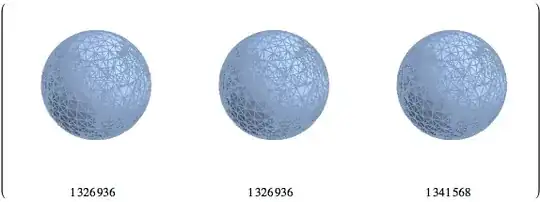
which might be a clue??


MaxCellMeasure -> reswithMaxCellMeasure -> {"Area" -> res}– RunnyKine Jun 13 '15 at 15:31