I want to fill a tikz-picture with a pattern, based on an external picture. Is this possible? If yes, how?
I tried to define a new pattern with \pgfdeclarepatternformonly, but \pgfuseimage seems to be no valid command inside \pgfdeclarepatternformonly.
Remark:
- In my example I used a marble-picture, but my question is independend from this special picture.
- I force the tile to 1cm. Probably it would be better to use the real size of the tile image.
- If I define
\pgfdeclarepatternformonlyafter\begin{document}the LaTeX error disappear, but the pattern does not work.
My MNWE (minimal not working Example):
\documentclass[]{standalone}
\usepackage{tikz}
\usetikzlibrary{patterns}

%Source: http://upload.wikimedia.org/wikipedia/de/thumb/f/f9/LapG.jpg/83px-LapG.jpg
%But could be any other picture
\pgfdeclareimage[width=1cm,height=1cm]{marble}{83px-LapG}%force quadratic tile

\pgfdeclarepatternformonly{marble}{\pgfpoint{0cm}{0cm}}{\pgfpoint{1cm}{1cm}}{\pgfpoint{1cm}{1cm}}{
\pgfuseimage{marble}%! LaTeX Error: Missing \begin{document}.
}

\begin{document}

\begin{tikzpicture}
% This should create a rectangle with 15*15 tiles.
\draw[pattern=marble] (0,0) rectangle (15,15);
\end{tikzpicture}

\end{document}


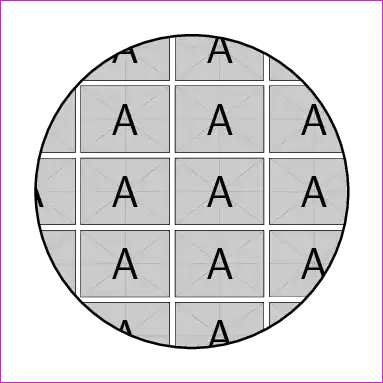


\pgfuseimageinside a\pgftext. Though, this will still not show the image. – Qrrbrbirlbel Mar 23 '13 at 23:04