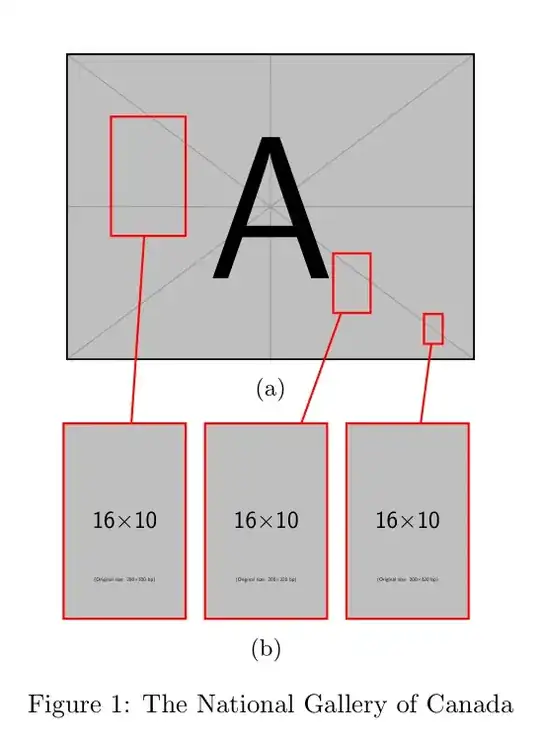
Here's one possible approach using Caramdir's solution linked in the comments as a starting point in conjunction with the package subcaption.
\documentclass{article}
\usepackage{mwe,subcaption,tikz}
\tikzset{boximg/.style={remember picture,red,thick,draw,inner sep=0pt,outer sep=0pt}}

\begin{document}
\begin{figure}
  \centering
  \begin{subfigure}{.45\linewidth}
    \begin{tikzpicture}[boximg]
      \node[anchor=south west] (img) {\includegraphics[width=\linewidth]{example-image-a}};
      \begin{scope}[x=(img.south east),y=(img.north west)]
        \node[draw,minimum height=1.6cm,minimum width=1.00cm] (B1) at (0.2,0.60) {};
        \node[draw,minimum height=0.8cm,minimum width=0.50cm] (B2) at (0.7,0.25) {};
        \node[draw,minimum height=0.4cm,minimum width=0.25cm] (B3) at (0.9,0.10) {};
      \end{scope}
    \end{tikzpicture}
    \caption{}
  \end{subfigure}\\[0.5\baselineskip]
  \begin{subfigure}{.45\linewidth}
    \begin{tikzpicture}[boximg]
      \node (img1) {\includegraphics[width=0.3\linewidth]{example-image-10x16}};
      \draw (img1.south west) rectangle (img1.north east);
    \end{tikzpicture}\hfill%
    \begin{tikzpicture}[boximg]
      \node (img2) {\includegraphics[width=0.3\linewidth]{example-image-10x16}};
      \draw (img2.south west) rectangle (img2.north east);
    \end{tikzpicture}\hfill%
    \begin{tikzpicture}[boximg]
      \node (img3) {\includegraphics[width=0.3\linewidth]{example-image-10x16}};
      \draw (img3.south west) rectangle (img3.north east);
    \end{tikzpicture}
    \caption{}
  \end{subfigure}
  \begin{tikzpicture}[overlay,boximg]
    \draw (B1) -- (img1);
    \draw (B2) -- (img2);
    \draw (B3) -- (img3);
  \end{tikzpicture}
  \caption{The National Gallery of Canada}
\end{figure}
\end{document}


a, then from where to magnify? – Mar 31 '15 at 08:29