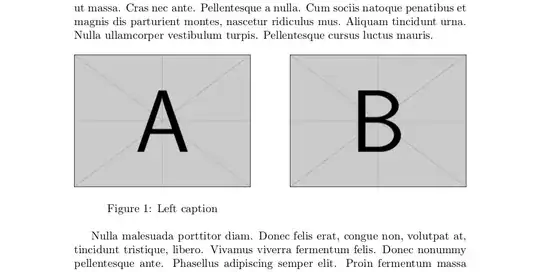
I need to put 2 figures side by side in LaTeX where the first figure needs to be given a caption and the second must not be given a caption. I have tried the following:
\usepackage{floatrow}

\begin{figure}[!h]
\begin{floatrow}
\ffigbox{\includegraphics[scale = 0.8]{Figure3}}{\caption{PTST based on total duration}\label{case1}}
\ffigbox{\includegraphics[scale = 0.8]{app1}}{\caption{A zoom}\label{zoom}}
\end{floatrow}
\end{figure}
but I am getting the error do not use float package with float row since I also have \usepackage{float} for other images (I need this).



{\centering A\\B\par}? Then, is just replace "A" and "B" by the images Or really do you mean side by side as in the answers, but the smaller being vertically centered? Then you can use[c][x][c]{y}as minipage arguments, wherexis the height andythe width (obviously with the samexin both minipages) or useadjustbox. See https://tex.stackexchange.com/questions/367302/how-to-insert-a-figure-between-two-texts. – Fran Aug 22 '23 at 20:46mean side by side as in the answer, but the smaller being vertically centered?Yes sir I meant this. – alper Aug 23 '23 at 07:56[t]and[b](to return to the default[c]) and changeexample-image-bby example-image-16x9(an image with smaller height) . Is this what you expect? But as said, you can also useadjustboxand avoid the minipages. Another example here centering vertically several images. – Fran Aug 23 '23 at 09:16